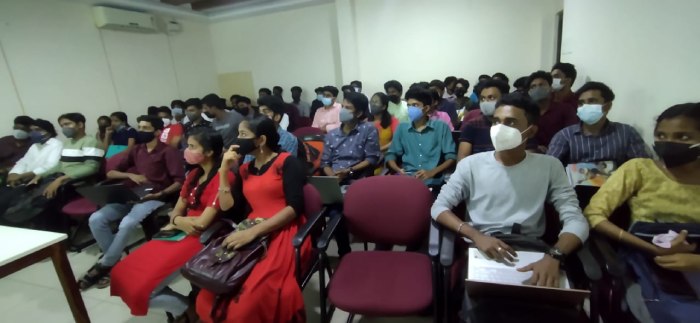
Software Testing (Automation) Online Live Class by Experts
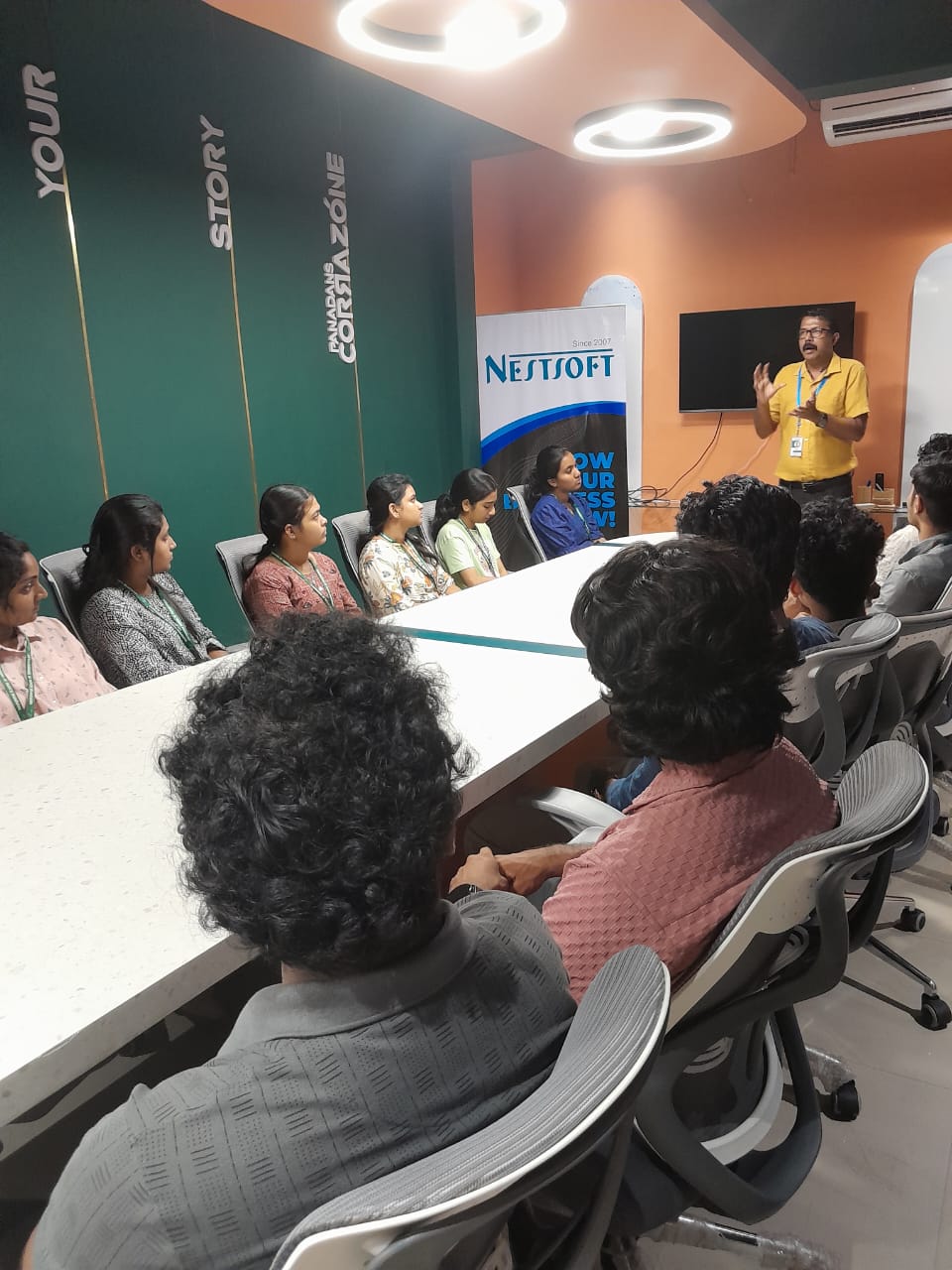
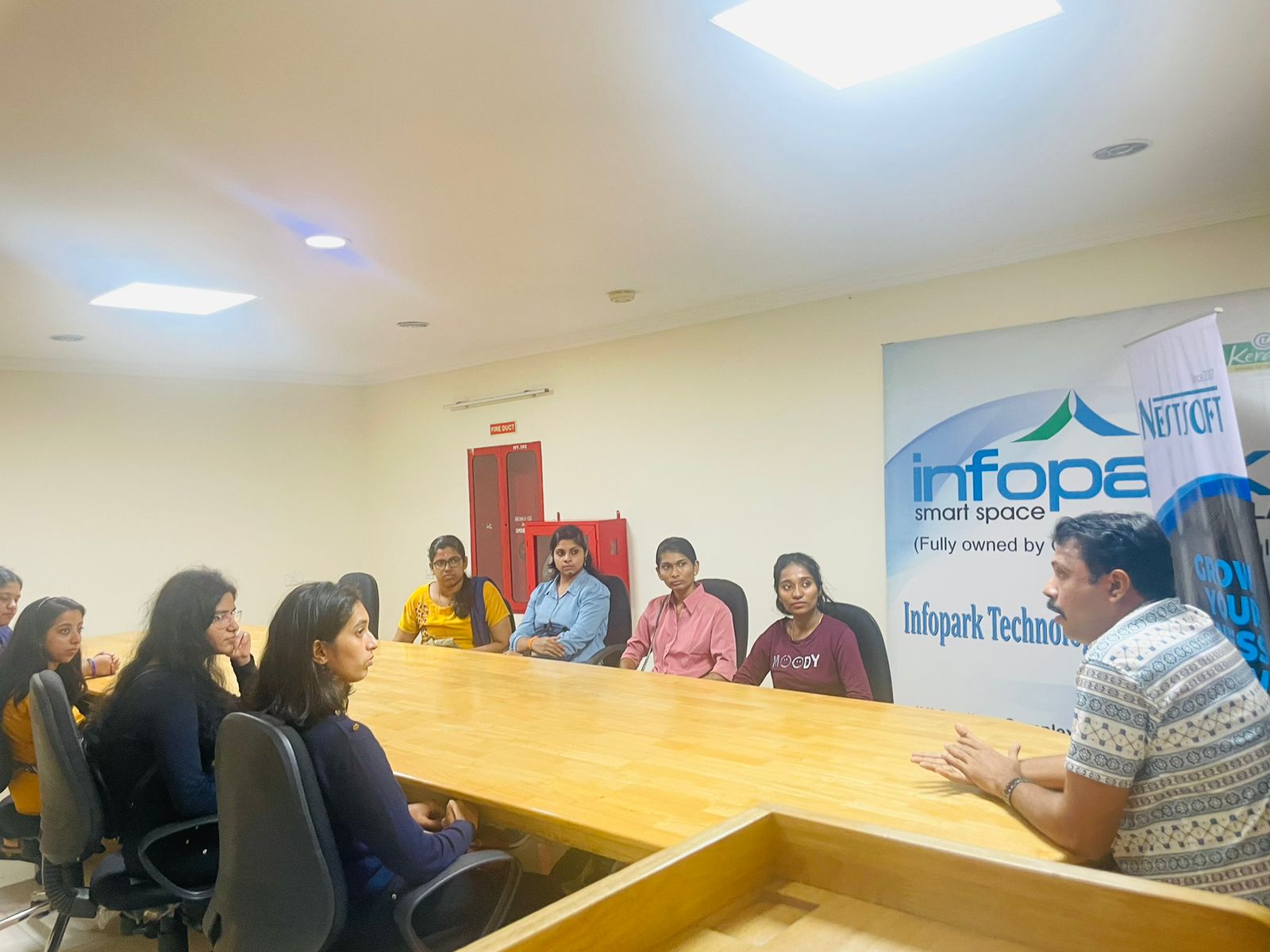
Our Training/Internship Process

Software Testing (Automation) - Syllabus, Fees & Duration
Automation Testing Syllabus
- Sql introduction
- Sql Datatypes Sql basics-DDL
- DML,DCL,Comparison Operators
- Constraints
- Aggregate
- Functions
- Practice questions
- Joins
- Stored Procedures
- Practice Question
- Views
- Group By
- Having
- Order By Clauses Practice Question
- Introduction to the course
- Java Installation
- Features and JDK
- First Sample Program Data Types and Variables
- Operators Control Statements
- Loops Scanner
- Array Oops - Polymophism (Method overloading)
- Constructor Overloading
- Types of Inheritance and Method Overriding
- This and Super keyword
- final and static keyword
- Abstraction, Encapsulation, Exception, Thread
- Thread Synchronization
- Events Collection - List & Set Collection - Map & Queue Exam - Java
- Selenium Introduction
- IDE Features
- creating script Using IDE
- Recording
- Selenese
- Assert and verify Export Testcase
- Selenium Webdriver Introduction
- Webdriver manager
- Junit
- Locators
- Screenshot in selenium
- Handling Alerts
- BrokenLinks
- Testng and its Features
- Waits in Selenium
- Javascript Executor in Selenium
- Navigation Commands
- Dropdown handling using select class
- Button Text verification
- Radio buttons Actions class
- copy paste using action class
- draganddrop program Double click and right click using Action class
- Mouse Hover Program
- File upload
- File upload using AUTO IT and Robot class
- Cross browser Testing
- Handling multiple windows and tabs
- Handle pops in Chrome
- Datepicker
- DataDrivenTesting
- Extended Reports
- POM Design Pattern Frameworks
- Datadriven framework Maven
- Importance of maven
- Create Project in Maven
- Project
- Introduction to Jmeter
- overview of performance testing
- Jmeter workflow
- components of Jmeter
- Building a web Test plan
- Report generation
- Execution in NON-GUI mode Recording in Jmeter
- Blaze meter plugin Assertions
- Timers
- CSV Data set configuration
- Correlation
- Introduction to Postman
- API testing
- Download and install postman
- Collections
- Request methods
- Collection Runner
- Test script
- Variables
- Data driven testing
- API fetching
- JsonPathfinder
- Openweathermap API
- Newman
- Agile methodology
- scrum
- Introduction to Jira
- Jira issue types
- How to create an Epic/User stories in Jira
- Creating sprints in Jira
- Sprint lifecylce in Jira
- Backlogs
- Creating bugs
- Write Test Cases in Jira with Zephyr plugin
- Jira project flow
- Introduction
- Git installation
- Repository creation in GitHub
- Commands in git
MODULE 1 - SQL
MODULE 2 - JAVA
MODULE 3 - Selenium IDE
MODULE 4 - Selenium Webdriver
MODULE 5 - JMeter
MODULE 6 - POSTMAN
MODULE 7 - JIRA
MODULE 8 - GIR & GITH
This syllabus is not final and can be customized as per needs/updates
- Since 2001, Making IT Experts by Experts
- Duration: 30 Hours (Vary as per your skill)
- Course Fees
- Individual Live Classes (1:1)
- Batch Classes @ Low Fees
- Training on Your Time, Any Where
- Access to Recorded Videos
- Practical Internship on Projects
- 100% Placement Support by our jobsNEAR.in
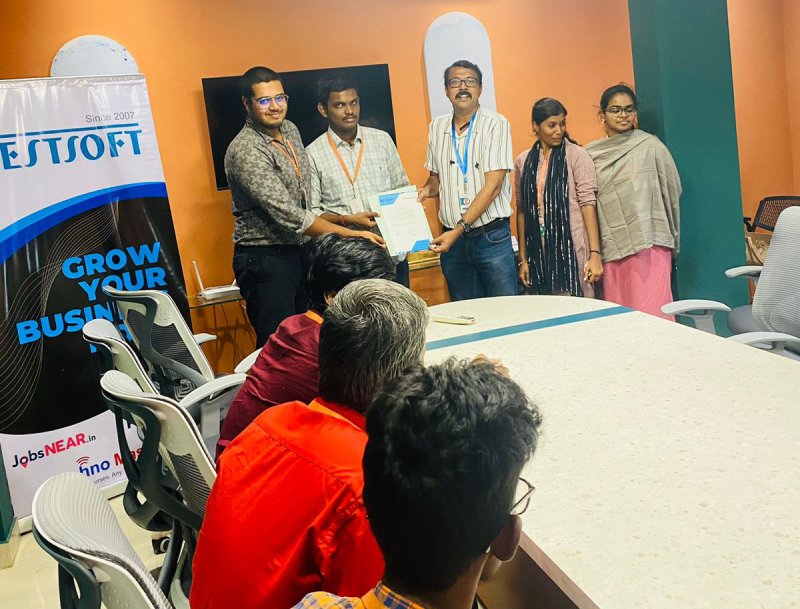
- Training/Internship Certificate
- Agra
- Ahmedabad
- Alappuzha
- Aurangabad
- Bangalore
- Belgaum
- Bellary
- Bhubaneswar
- Chennai
- Cochin
- Coimbatore
- Delhi
- Dindigul
- Erode
- Gulbarga
- Guntur
- Gurgaon
- Haryana
- Hyderabad
- Idukki
- Indore
- Jaipur
- Kalyan
- Kannur
- Kanpur
- Kasaragod
- Kerala
- Kolkata
- Kollam
- Kottayam
- Kozhikode
- Lucknow
- Madurai
- Malappuram
- Mangaluru
- Mumbai
- Mysuru
- Nagpur
- Nashik
- Navi Mumbai
- Nizamabad
- Noida
- Palakkad
- Pathanamthitta
- Pune
- Punjab
- Salem
- Shimla
- Solapur
- Surat
- Thane
- Thanjavur
- Thirunelveli
- Thoothukudi
- Thrissur
- Tiruchirappalli
- Tiruppur
- Trivandrum
- Vadodara
- Varanasi
- Vellore
- Vijayawada
- Visakhapatnam
- Wayanad
Course Highlights

Our Locations

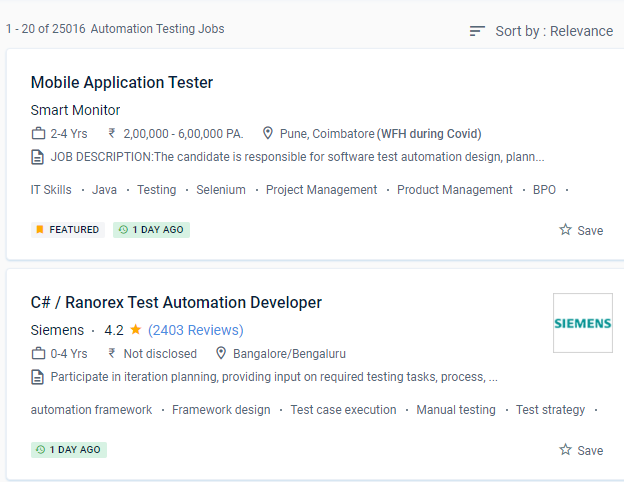
 This System Administration course inKannur is for beginner to intermediate software engineers who want to improve their knowledge and skills in incorporating testing approaches and tools into their projects' development.
There are benefits and drawbacks to automating software testing.
Automation invariably results in higher software quality. The goal of automating software tests is to make time-consuming, repetitive, or complex work more effective and productive. NESTSOFT training in Kannurprogramme is a collection of courses that will assist you in mastering a specific skill. To get started, enrol in the speciality programme directly or browse their courses to choose one that interests you. You'll learn about black-box and white-box testing, automated testing, web & mobile testing, and formal testing theory and practises throughout four courses, preparing you to plan and execute effective software testing. The rise of automation was motivated by the need to reduce human effort in activities that could be mimicked by a programmable system or machine.
It is feasible to save energy, time, and money while allowing individuals to focus on other duties in this way.
One of the most popular test automation fallacies is that everything can be automated.
This System Administration course inKannur is for beginner to intermediate software engineers who want to improve their knowledge and skills in incorporating testing approaches and tools into their projects' development.
There are benefits and drawbacks to automating software testing.
Automation invariably results in higher software quality. The goal of automating software tests is to make time-consuming, repetitive, or complex work more effective and productive. NESTSOFT training in Kannurprogramme is a collection of courses that will assist you in mastering a specific skill. To get started, enrol in the speciality programme directly or browse their courses to choose one that interests you. You'll learn about black-box and white-box testing, automated testing, web & mobile testing, and formal testing theory and practises throughout four courses, preparing you to plan and execute effective software testing. The rise of automation was motivated by the need to reduce human effort in activities that could be mimicked by a programmable system or machine.
It is feasible to save energy, time, and money while allowing individuals to focus on other duties in this way.
One of the most popular test automation fallacies is that everything can be automated.